
Free Workshop
Ink Sync Workshop
Stop Fixing AI Output. Start Calibrating It.
You’ve been editing every AI draft by hand. Probably for months.
Not because AI can’t write. Because it can’t write like you. It gets close enough to seem usable, then drifts in ways you can’t quite articulate. Too formal here. Wrong rhythm there. A phrase you’d never choose but can’t explain why. So you rewrite half of it anyway and wonder why you’re using AI at all.
Better prompts won’t fix this. Calibration will.
“Be conversational” isn’t an instruction. “Match my tone” isn’t a spec. AI is filling in blanks you didn’t know existed with its best guess at what a human sounds like. And its best guess is the statistical average of everyone. Which means: not you.
The fix isn’t editing harder. It’s teaching AI what to match in the first place.
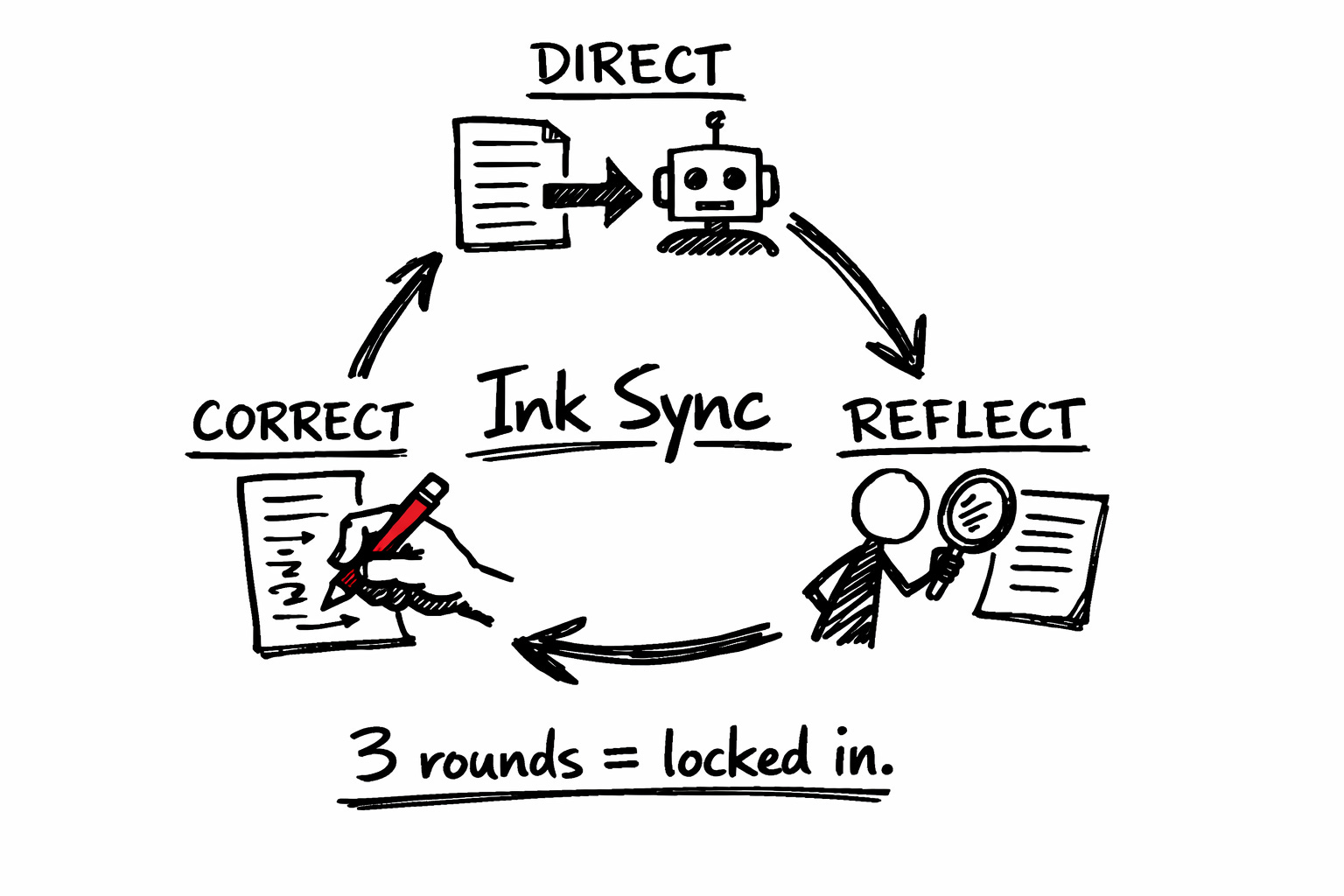
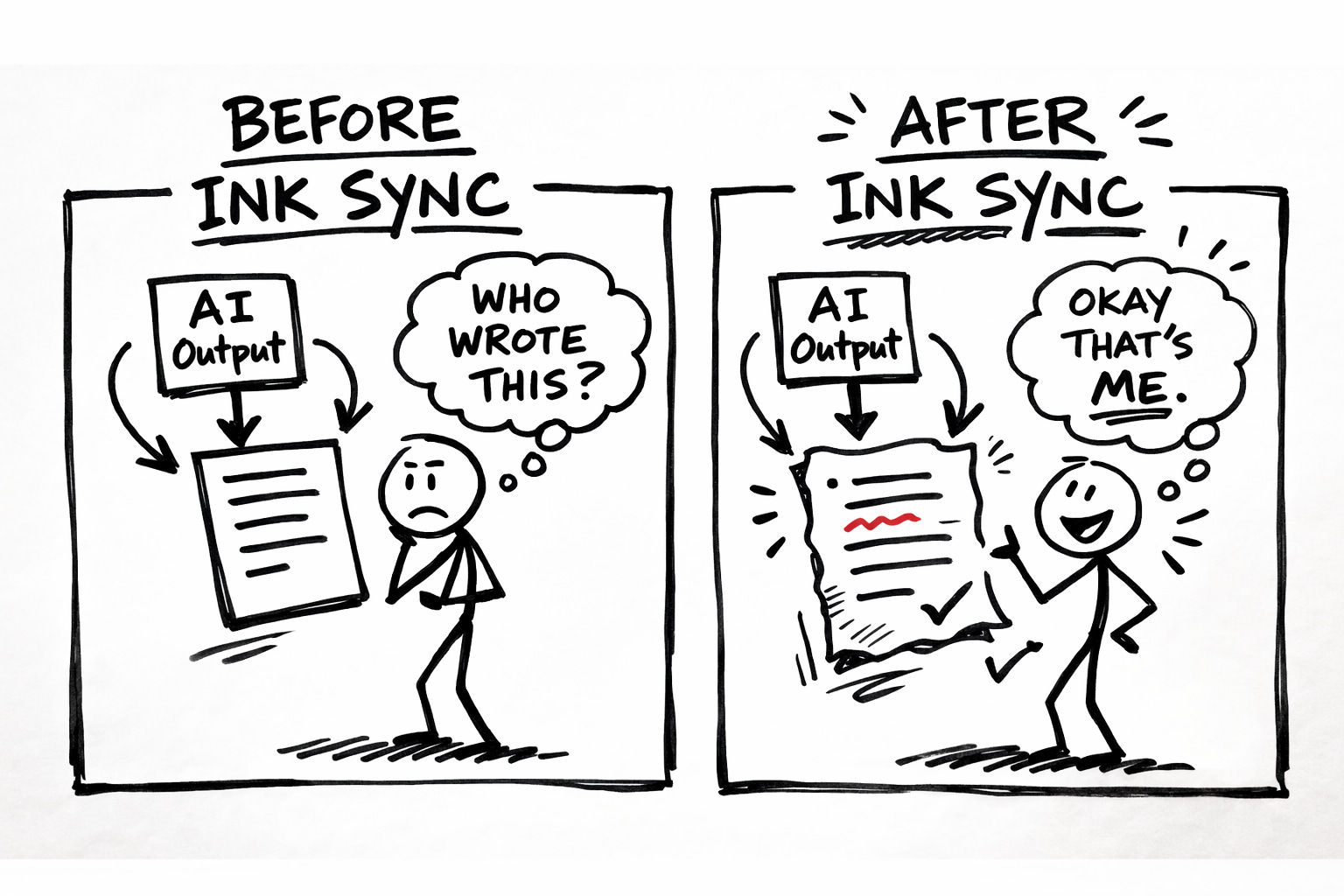
I built the Ink Sync Workshop around a three-step calibration loop called Direct → Reflect → Correct. You feed AI your specific patterns. You review what comes back. You correct exactly where it drifts. Three rounds and the output sounds like a rough draft you’d actually write. Not perfect. Yours.
What’s Inside
The Direct → Reflect → Correct loop explained. Not theory. The exact process for calibrating AI to your voice in three rounds or less. Each round gets more precise. By round three, the output is yours.
Pattern identification exercises. What makes your writing recognizable? Not vibes. Specific, documentable patterns. Sentence rhythm. Vocabulary fingerprints. Structural habits. The stuff AI needs spelled out because it can’t guess correctly.
The Correction Protocol. How to give AI feedback it can actually use. (Hint: “Make it sound more like me” is useless. “You used ‘leverage’ — I never use that word. Replace with ‘use’” is useful. The difference is everything.)
Drift detection. How to spot when AI is sliding toward generic. The warning signs most people miss until the output is unsalvageable. Catch it early, correct it fast.
The calibration test. A quick check to verify AI understood your patterns before it writes 800 words in the wrong direction. Five minutes that save an hour of rewriting.
One extra click. Here’s why.
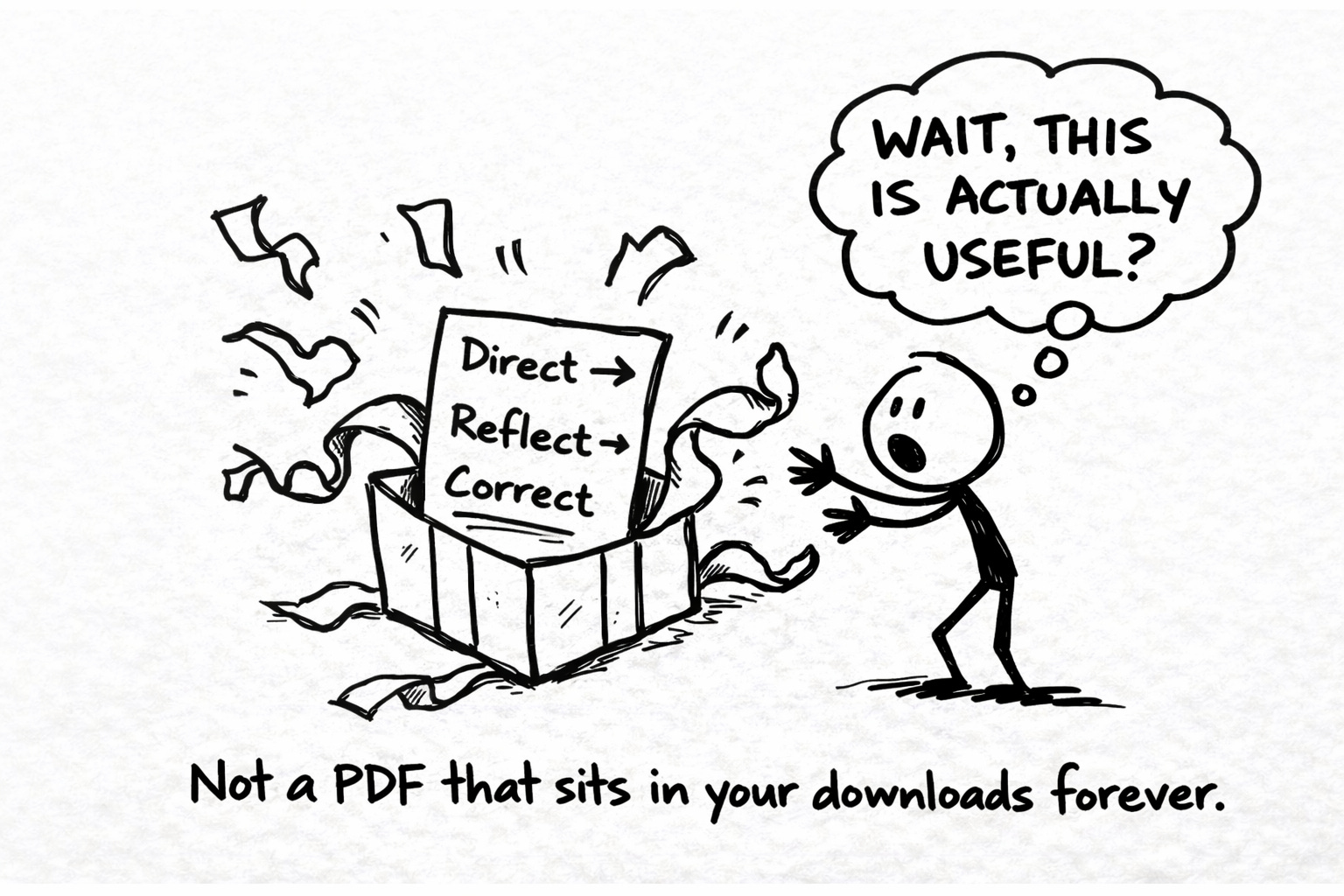
I host the Ink Sync Workshop separately so I can update it as AI tools evolve and the methodology sharpens. You’ll always have the current version.
Hit the button below. On the next page, drop your email or connect with Google. The full workshop lands in your inbox immediately.
(It’s free while the link is live. I can’t promise how long that lasts.)
Your calibrated AI is one click away…
Get The Ink Sync Workshop Free →
FAQs
Is this actually free? Yes. The full workshop. No credit card. No trial that magically becomes $49/month. Free while the link is live.
How long does it take? About 60-90 minutes to go through the workshop. You’ll run your first calibration loop immediately after and see the difference in that session.
What tools does this work with? All of them. ChatGPT, Claude, Gemini, whatever you’re using. The calibration method is model-agnostic. Your patterns are your patterns. AI learns to follow them regardless of which robot you’re talking to.
What’s the catch? What are you selling? I teach a full course on AI collaboration called Co-Write OS. The Ink Sync Workshop gives you the calibration system. If you want the complete methodology (voice documentation, quality control frameworks, workflow integration), the course is there. Zero pressure. The workshop stands completely on its own.
How is this different from prompt templates? Prompt templates tell AI what to write. Ink Sync teaches AI how you write. Different problem. Different solution. You can use both. But without calibration, even perfect prompts produce generic output.
I’ve already built a Voiceprint. Do I need this? Yes. Your Voiceprint is the map. Ink Sync is how you get AI to actually follow it. The Voiceprint documents your patterns. Ink Sync calibrates AI until it stops drifting from those patterns. They’re two halves of the same system.
What if AI still sounds generic after calibration? Then your pattern documentation isn’t specific enough yet. The workshop shows you exactly how to identify what’s missing and add the detail AI needs. Generic output is a symptom of vague inputs. We fix the inputs.
Do I need to be technical? No. If you can copy and paste, you can do this. The workshop walks through every step. No code. No complex setup. Just you, AI, and a method that works.