
I've Been Using AI Ass-Backwards for Months
What happens when you finally ask AI to help you subtract.

Last week I asked Claude to cut 40% from a 2,000-word draft.
Eight seconds later, it removed exactly the parts I would have removed. (After, presumably, forty-five minutes of agonizing and a snacky-cake break, of course.)
I sat there like an idiot. Not because the output surprised me (the cuts were obvious in hindsight). But because I’d just realized I’d been using AI like a guy who bought a Swiss Army knife and only ever used the toothpick.
Every tutorial I’d watched. Every workflow I’d built. Every prompt I’d refined at 2am. All optimized for one direction: more.
More ideas. More variations. More words.
Then I’d sit alone with the bloated draft, exhausted, trying to carve it into something worth reading.
(It’s like hiring a sous chef, having them dump every ingredient onto the living room floor, then doing all the actual cooking yourself. While they watch silently judging your piss-poor knife skills.)
Sound familiar?
The One-Direction Problem
Here’s what nobody tells you: the default AI use case is additive.
“Give me 10 headline options.”
“Expand this into three paragraphs.”
“Write me five versions.”
We’ve trained ourselves to think of AI as an expansion machine.
Which creates a lopsided workflow: AI expands. You contract. Alone. At midnight. Running on coffee and spite.
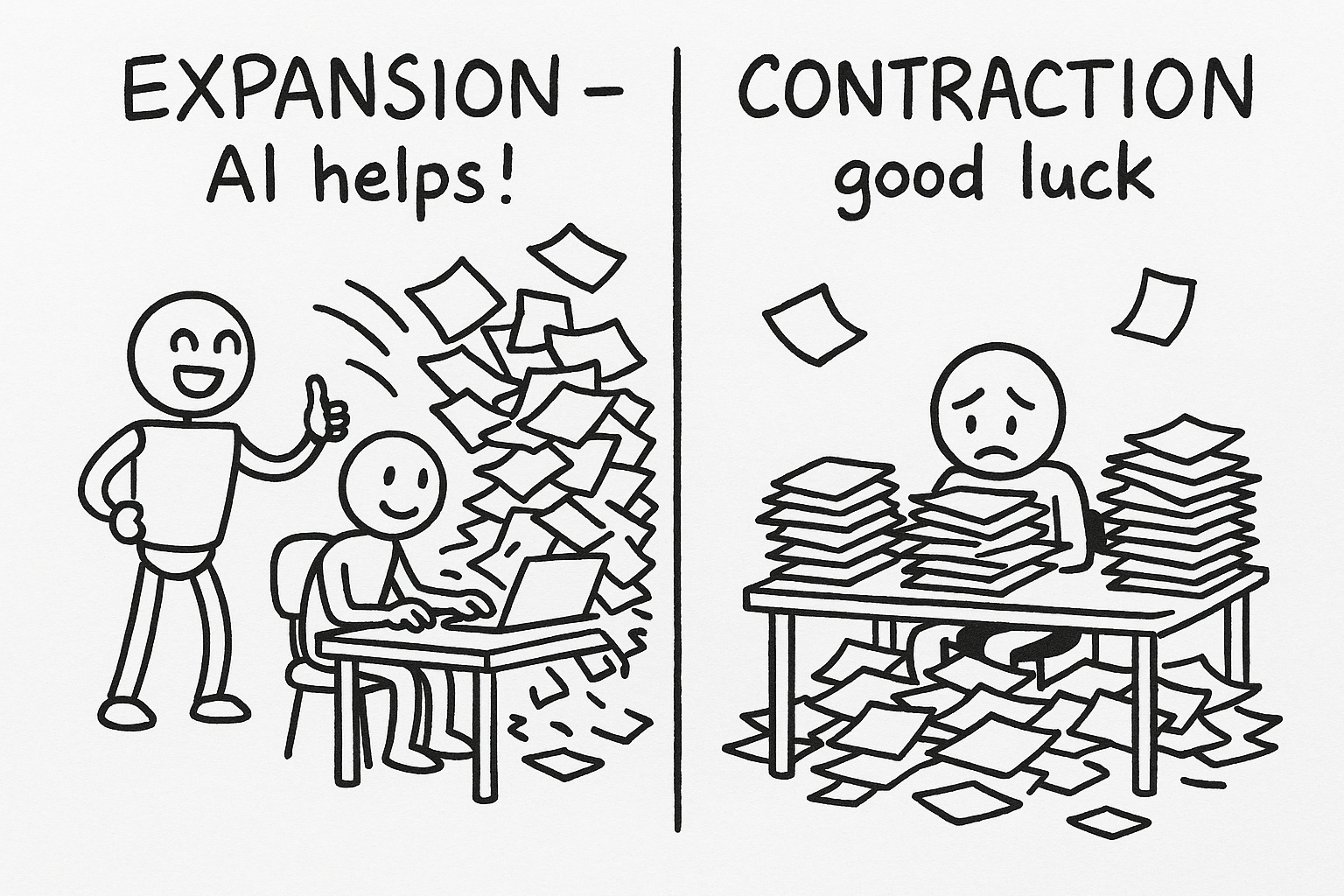
The cruel irony? Contraction is the harder cognitive task.
Expansion is fun. Brainstorming energy. First-cocktail-at-a-party vibes.
Contraction requires judgment. What stays? What goes? What’s essential versus what’s just there, taking up space like that guy who corners you at that same cocktail party to talk about his fucking podcast?
And we’re doing the hard part without help. While tired. After AI did the fun part and went home.
This is where voice drift happens. Tired brain, compromised judgment, generic AI phrasing slipping through because you don’t have the energy to catch it.
What Contraction Actually Means
“Make it shorter” isn’t contraction. That’s compression—mechanical reduction where half the meaning leaks out.
Contraction is subtractive editing with judgment.
Different questions:
What’s the one thing this piece is actually about?
Which sentences don’t earn their place?
Where am I saying the same thing twice?
If I cut 40%, what survives?
Expansion asks “what else?”
Contraction asks “what’s essential?”
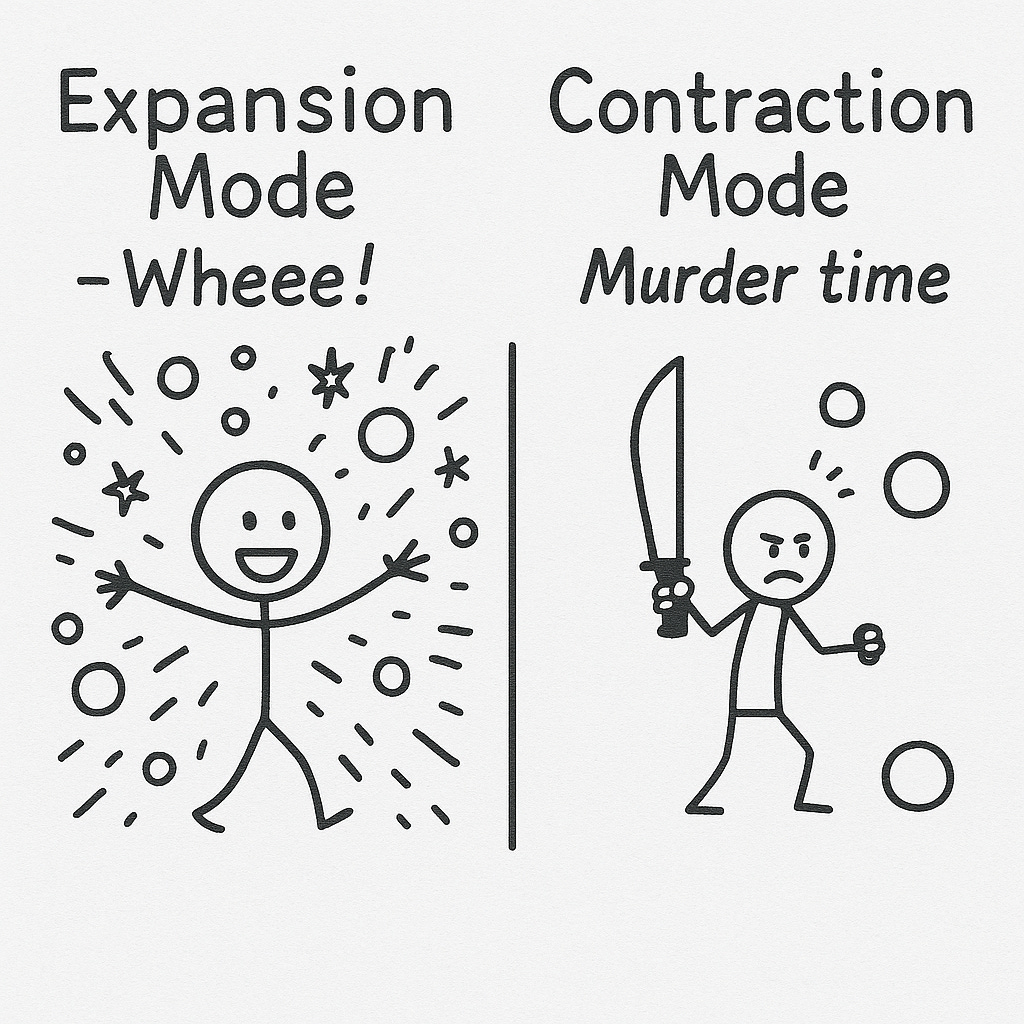
The Alternating Rhythm
Great collaboration isn’t all-expansion-then-all-contraction.
It’s rhythmic.
Expand → Contract → Expand → Contract.
Like breathing. (Revolutionary, I know. Someone call the Nobel committee.)
Phase 1: Expand Possibilities Generate ideas, angles, variations. Volume without judgment.
Phase 2: Contract to Direction Pick one. Murder the rest. You’re writing one post, not five.
Phase 3: Expand That Direction Draft. Elaborate. Get messy. Word count up.
Phase 4: Contract to Essential Cut redundancy. Tighten. This is where the piece becomes yours again.
Most people do Phases 1 and 3 with AI. Then try Phases 2 and 4 alone, at night, when their judgment is sharp as a plastic spoon. (Honestly? A lot of people skip 2 and 4 entirely. You can tell.)
Contraction Prompts That Actually Work
You can’t just say “make it shorter.” That gives you compression, not contraction.
For Finding the Core:
“What’s the one sentence that captures this entire piece?”
“Summarize my argument in a way that would make someone who disagrees angry.”
For Cutting with Judgment:
“Cut 40% while keeping everything that matters. Tell me what you removed and why.”
“Read this as a skeptical reader one boring paragraph from closing the tab. What would you skip?”
For Tightening:
“Where am I using three words when one would work?”
“Which sentences don’t earn their place?”
The key: ask AI to explain its reasoning. “Tell me why” forces judgment, not just mechanical cuts.
Want the complete prompt library? I put together a worksheet with 25 contraction prompts organized by phase—finding the core, cutting with judgment, tightening, choosing between versions. Plus the checkpoint questions I use to stay in rhythm.
[Download: The Contraction Prompts Worksheet →]
Why Voice Survives Contraction Better Than Expansion
Here’s the counterintuitive insight:
When AI expands, its voice creeps in. More words = more chances for generic phrasing.
When AI contracts, your voice remains.
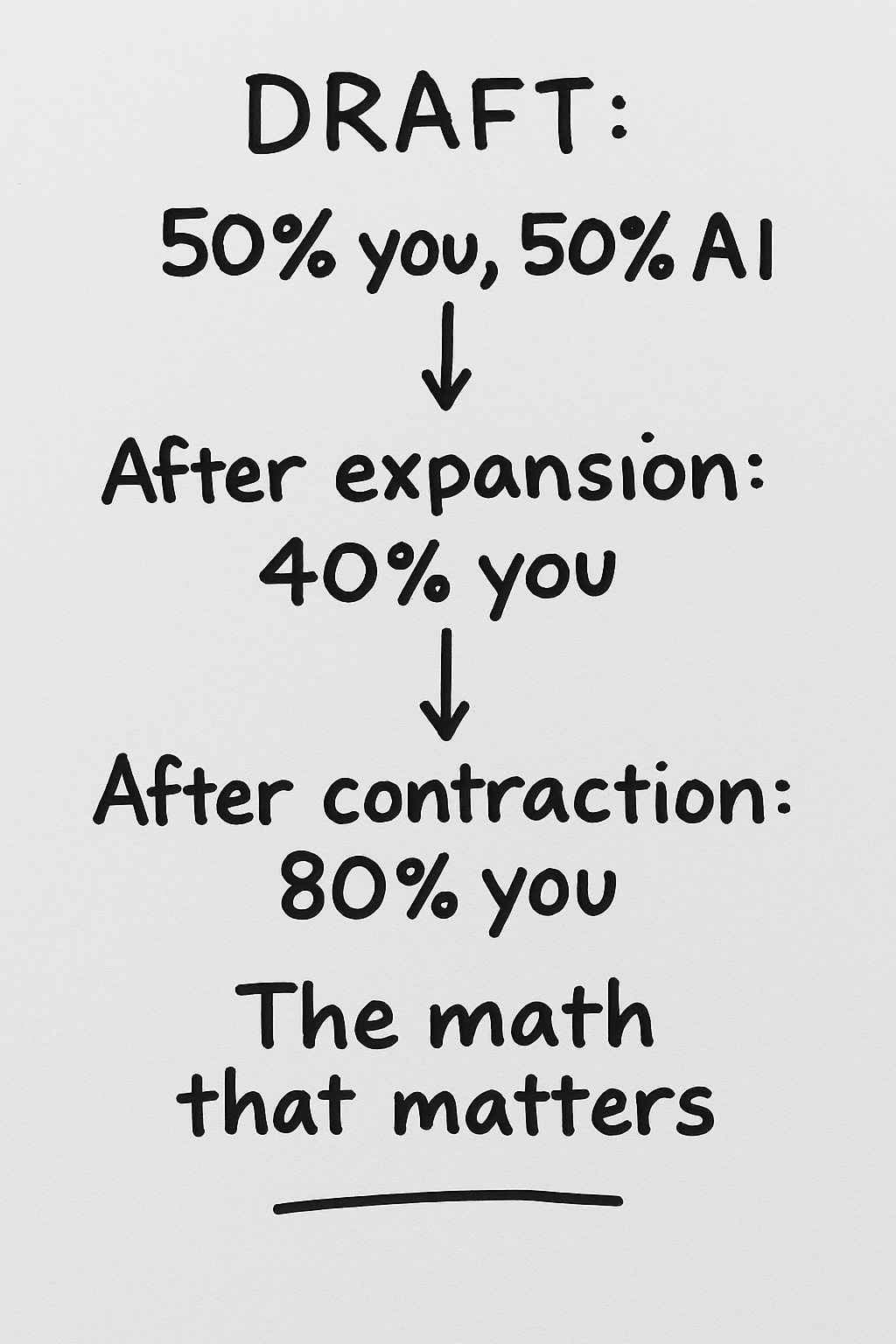
Because you wrote the original. AI is just identifying which parts of your writing are strongest. It’s not adding foreign material—it’s identifying which cells are healthy.
If AI cuts a paragraph, what’s left is your words. Your rhythm. Your weird parenthetical asides.
If AI adds a paragraph, you’re playing “spot the bot” in your own draft.
More AI in contraction = more authentic output.
Sounds backwards. Felt backwards. Then I tried it and my editing time dropped 40% while my voice got stronger.
Building the Rhythm Into Your Workflow
Label your modes. Before prompting, ask: Am I adding or subtracting right now?
Signal explicitly. Tell AI: “We’re in expansion mode” or “We’re in contraction mode.” Keeps you both oriented.
Build checkpoints. Before drafting: “Let’s contract—which direction is strongest?” Before publishing: “One more contraction pass.”
Watch for the expansion trap. “Just a few more ideas before I commit” is your brain ordering another round to avoid going home. It’s not research. It’s fear of choosing. Twenty minutes of expanding? Time to contract.
The real skill isn’t using AI to write more. It’s using AI to write better. And better lives in the cut.
What’s your experience using AI for editing versus generating? Have you tried asking it to help you contract? I’m curious what’s worked—or spectacularly hasn’t.
Crafted with love (and AI),
Nick “The Contraction Convert” Quick

PS…Want more on collaborating with AI without losing your voice? Subscribe for new posts every Sunday and Wednesday.
Excellent advice my dear Nick. Hats.